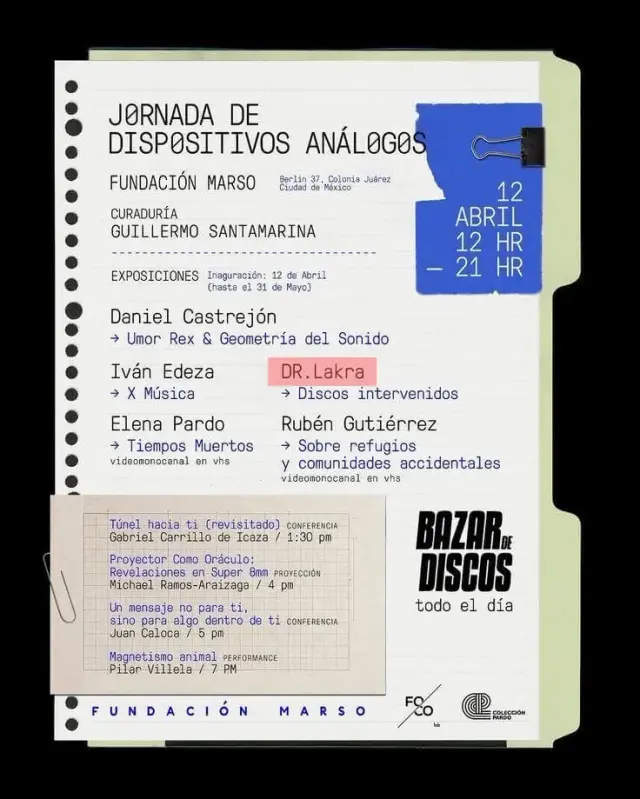
 Before
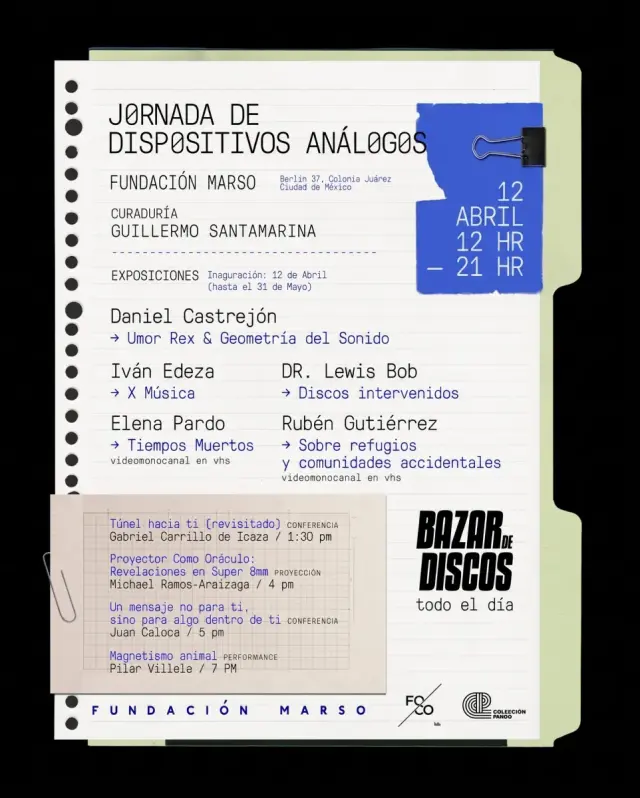 After
AfterDocuments
Edit text in image for document fixes
Lost the source file? Edit invoice numbers, contract typos, or dates directly in a screenshot or scan.
DR.LakraDR.Lewis Bob
Upload or paste an image, select the exact words to change, and enter the replacement. AI matches the original style while keeping the rest of the image as stable as possible.
For best results, select one word or line at a time and compare the result before publishing.
By clicking Generate, you confirm you own or are licensed to edit this image and the edit is not intended to deceive a third party.
We do not process IDs, official seals, bank statements, or tampered receipts. Acceptable Use.
From quick fixes to production workflows — one tool handles it all.
The highlighted area shows exactly what the editor will change.
BeforeAfterLost the source file? Edit invoice numbers, contract typos, or dates directly in a screenshot or scan.
Update a date, speaker, or venue on the finished poster without reopening the design file.
 BeforeSelected text
 After
After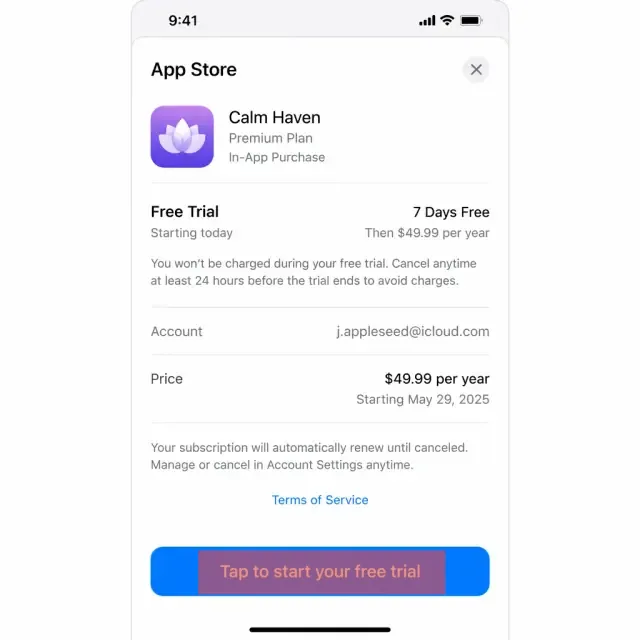 BeforeSelected text
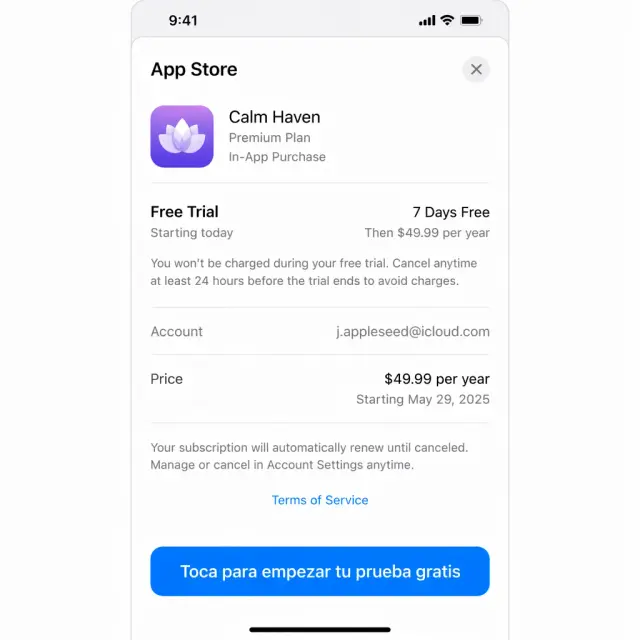 After
AfterReplace words in existing screenshots instead of rebuilding every UI mockup.
Update weight, ingredients, or branding without another product photo shoot.
 BeforeSelected text
 After
After BeforeSelected text
 After
AfterTest headlines and calls to action without waiting for a designer.
Update the date and venue to reuse your best event materials.
 BeforeSelected text
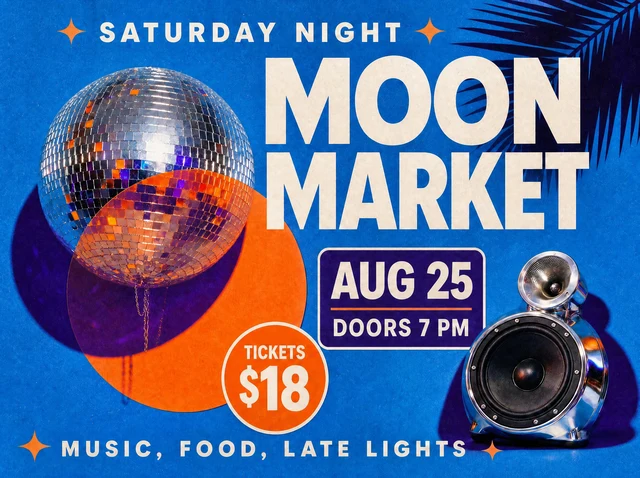 After
AfterEditTextInImage is an online AI tool for changing text in finished images without Photoshop or design skills. It is designed to preserve the surrounding font, color, size, perspective and background.
Use it to localize graphics, fix a typo, update pricing, refresh event materials or test a new advertising headline.
The editor keeps unselected areas as stable as possible. Always compare the result before publishing.
No design skills needed. Edit text online in under a minute.
Use a PNG, JPEG or WebP image up to 10 MB.
Draw one box and enter the exact replacement text.
Compare and download the finished image.
One-time credit packs priced in USD. Credits never expire.
For occasional edits
800 credits
For regular creators
2,000 credits
Best value for studios
4,000 credits
Contact us for custom pricing on 1,000+ credits. support@edittextinimage.com
Everything you need to know before your first edit.
Upload or paste an image, draw one box around the text, enter the visible wording and its exact replacement, then generate and compare the edit.
The selection tells the editor exactly where to work. Draw a close box around the full word or line, including its outline or shadow, without covering unrelated artwork.
For the most reliable result, edit one region at a time. Review the result, then select the next area.
The editor is designed to preserve unselected areas, but AI edits can vary. Always use Compare before publishing.
Use PNG, JPEG and WebP files up to 10 MB, including posters, screenshots, labels, packaging, signs and social creative.
Use it for a fast preview. For names, URLs, prices, numbers and approved copy, use Translate selected text and enter the exact wording.
Yes, if you own the image or have permission to edit and use it commercially.
We do not support deceptive edits to identity documents, bank statements, official seals or transaction records.
Upload or paste an image, select the words, and enter the exact replacement.