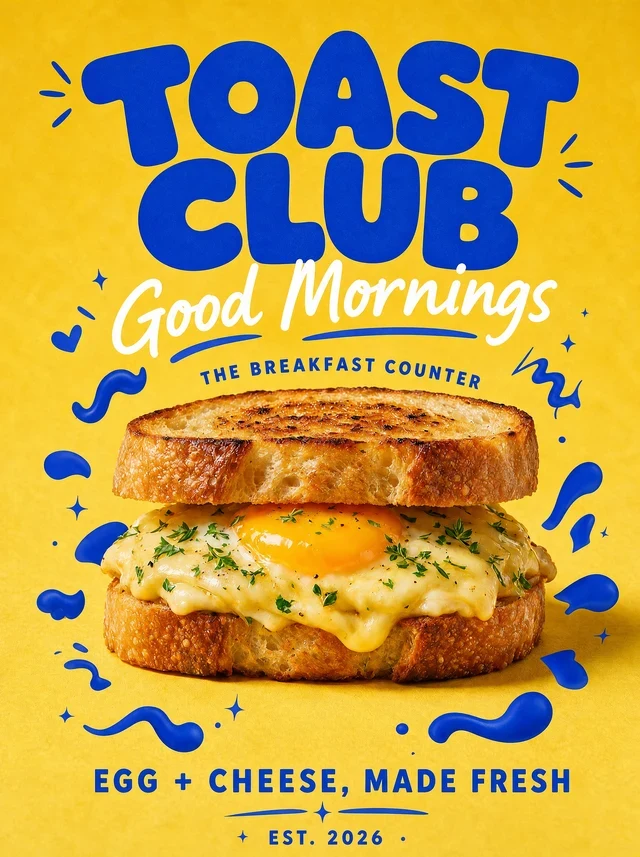
 Before
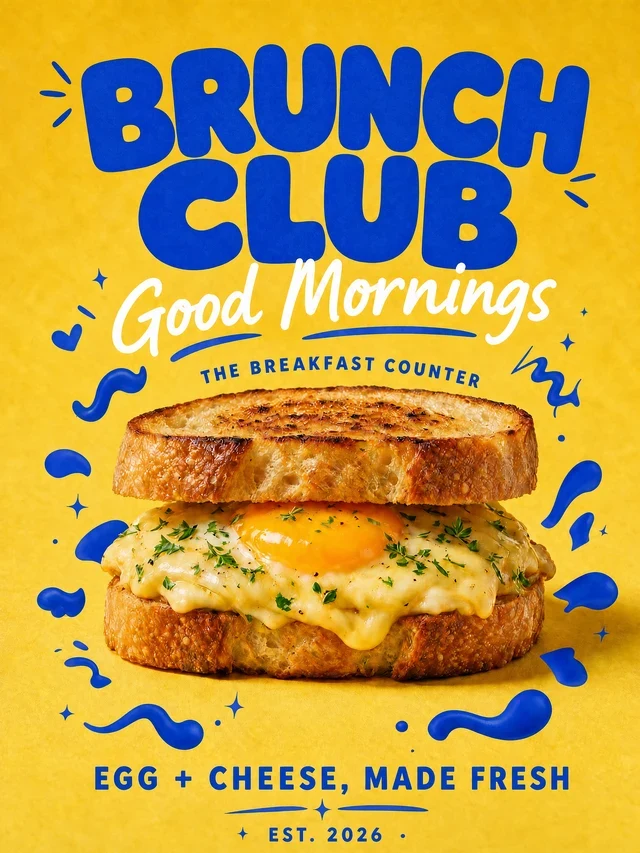 After
AfterRefresh a breakfast poster while keeping its playful display type
Change a two-word headline while preserving the rounded blue lettering, texture and hand-drawn graphic details.
TOAST CLUBBRUNCH CLUB
Replace words in finished creative while matching the visible typeface, weight, texture and perspective.
For best results, select one word or line at a time and compare the result before publishing.
By clicking Generate, you confirm you own or are licensed to edit this image and the edit is not intended to deceive a third party.
We do not process IDs, official seals, bank statements, or tampered receipts. Acceptable Use.
See how one focused text change keeps the surrounding image stable.
BeforeAfterChange a two-word headline while preserving the rounded blue lettering, texture and hand-drawn graphic details.
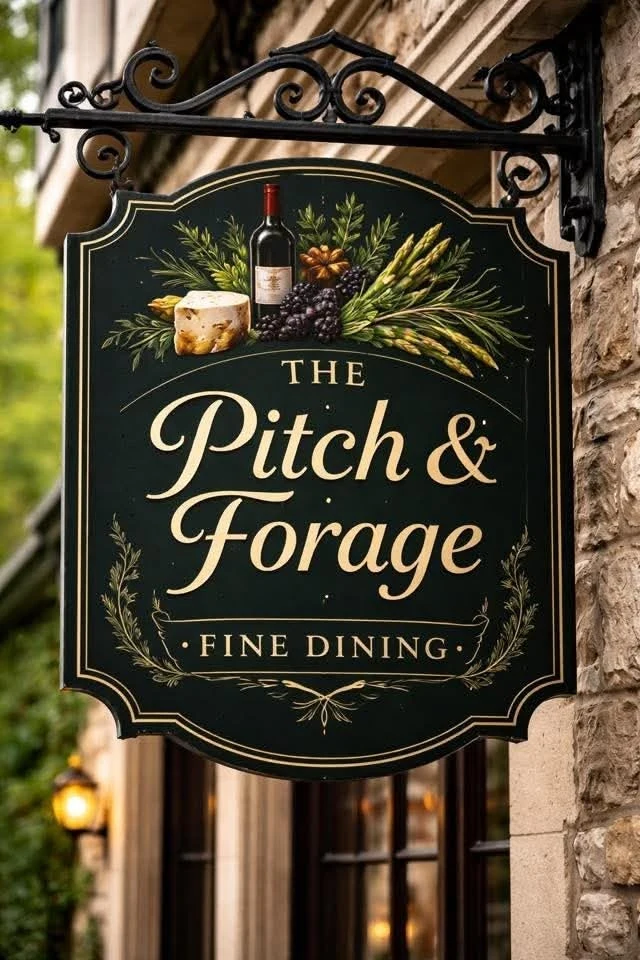 Before
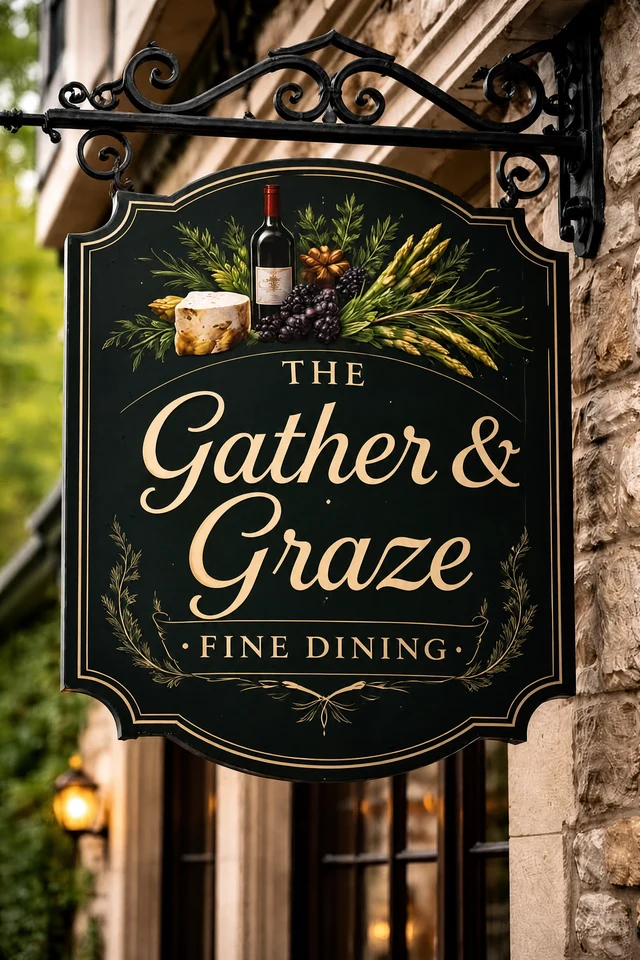 After
AfterMatch cream script, gold shadow, curved baseline, sign material and outdoor lighting.
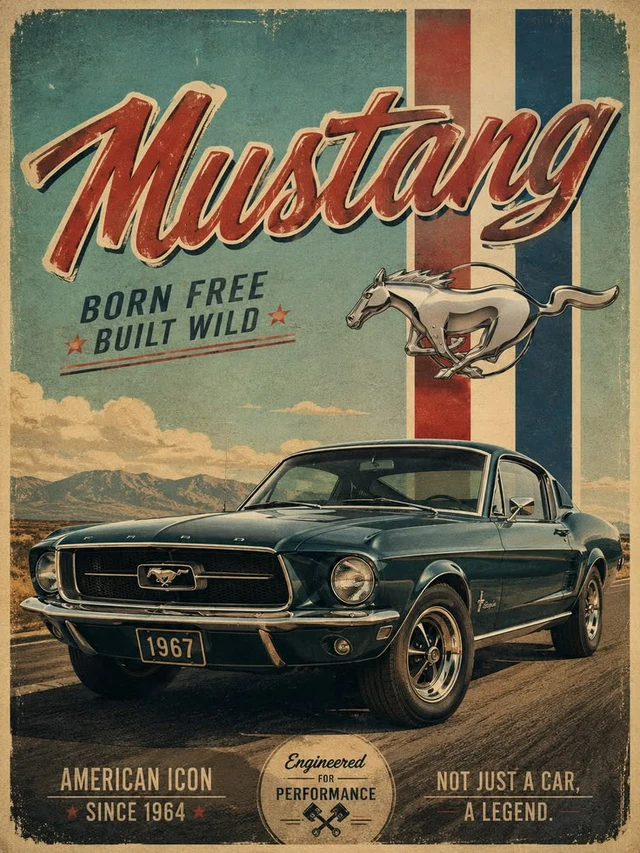 Before
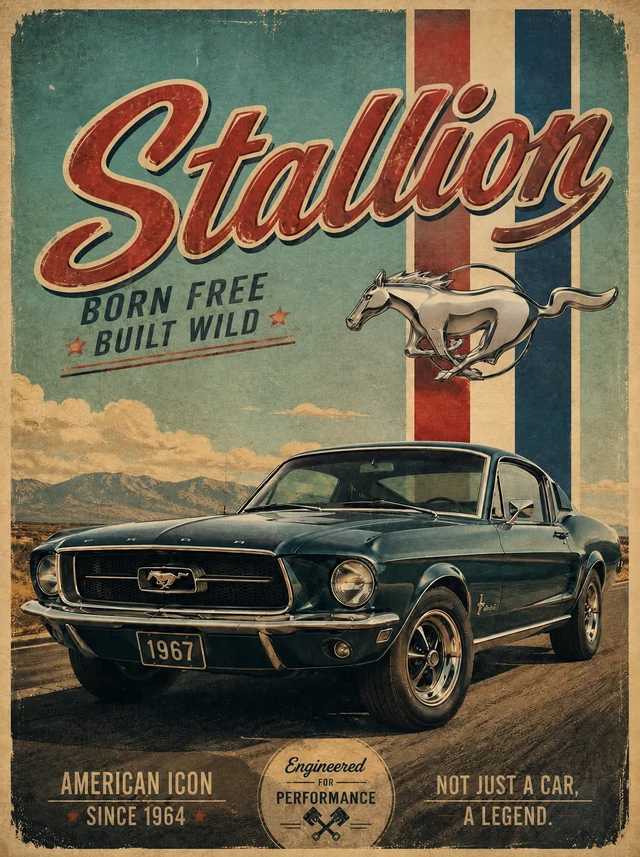 After
AfterKeep the distressed red script, cream outline, drop shadow, paper grain and car artwork intact.
The closest font file is often not enough. Finished images also contain scale, tracking, texture, perspective, lighting and blending that make the lettering feel specific to the artwork.
The editor samples those visible characteristics and renders the replacement in context, so you do not need to identify the font manually.
Match what is visible instead of hunting for a font file.
Keep typography stable across refreshed campaigns.
Correct a typo without reopening or recreating the source.
No. The editor works from the visible lettering in the image.
It can preserve many stylized, painted and display-lettering treatments by sampling the source image.
The editor analyzes the visible typography, color, texture, lighting and perspective, then renders the replacement in context. Always compare the result before publishing.
Upload PNG, JPEG or WebP files up to 10 MB.
Yes. Sign in with Google to receive enough starter credits for your first edit.
Yes, provided you own the source image or have permission to edit and use it.
Upload an image and use your starter credits for the first edit.