BeforeSelected text
AfterReword an App Store preview without rebuilding the product visual
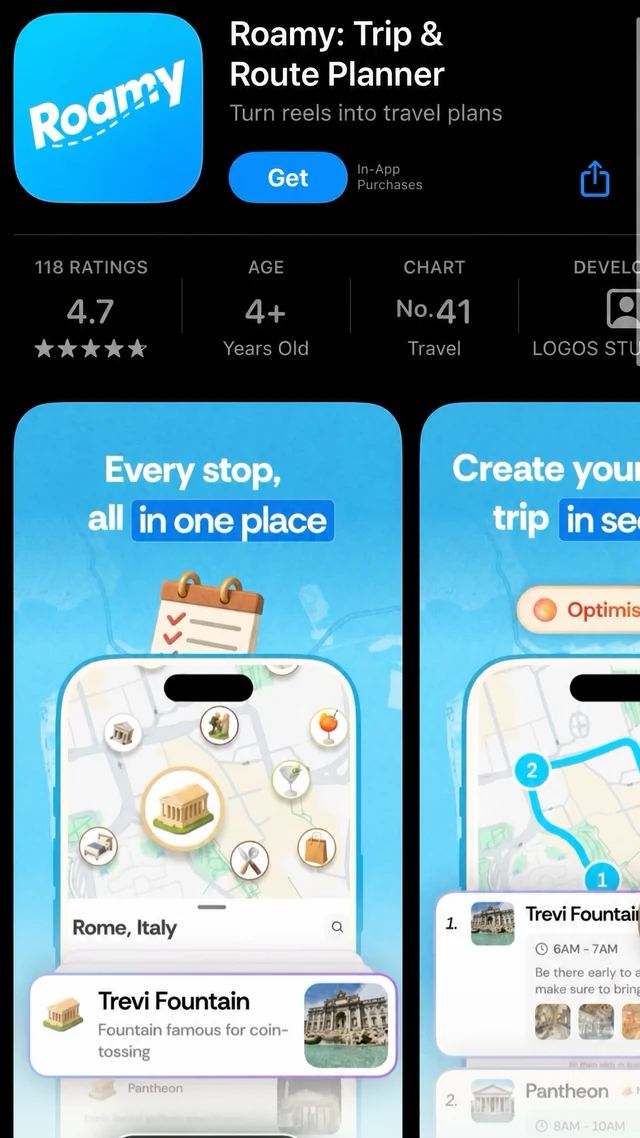
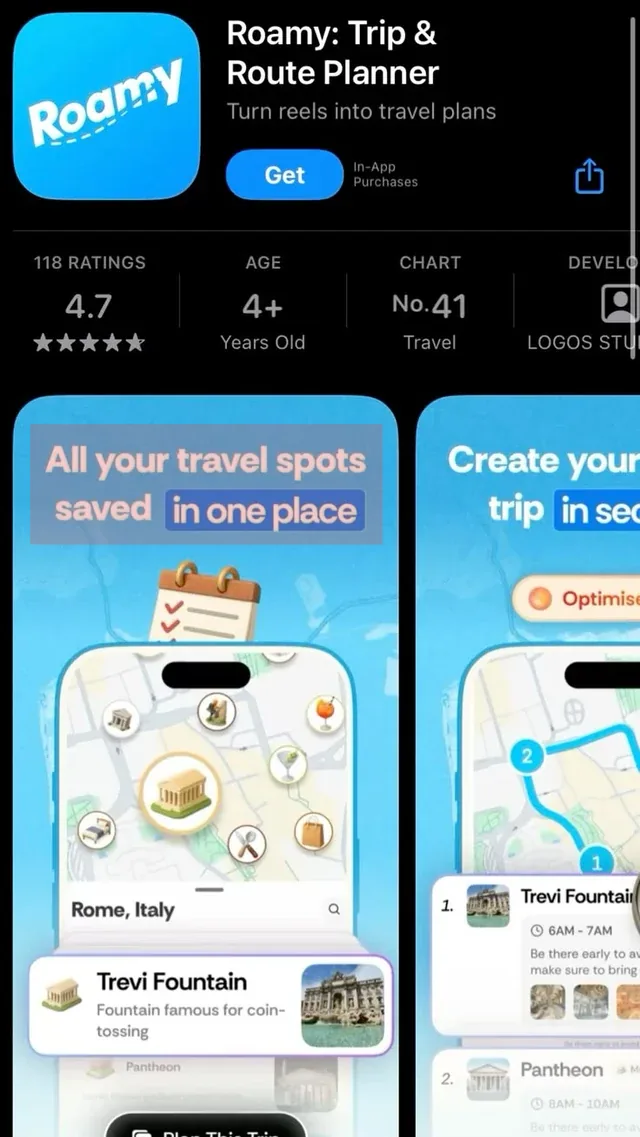
Update the white marketing headline while preserving the App Store listing, map preview and phone mockup.
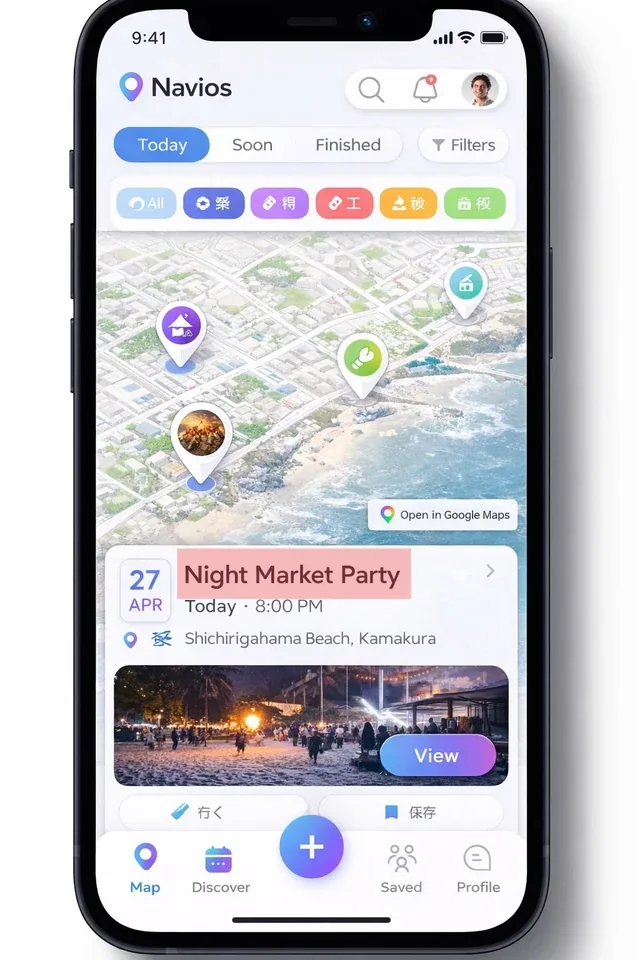
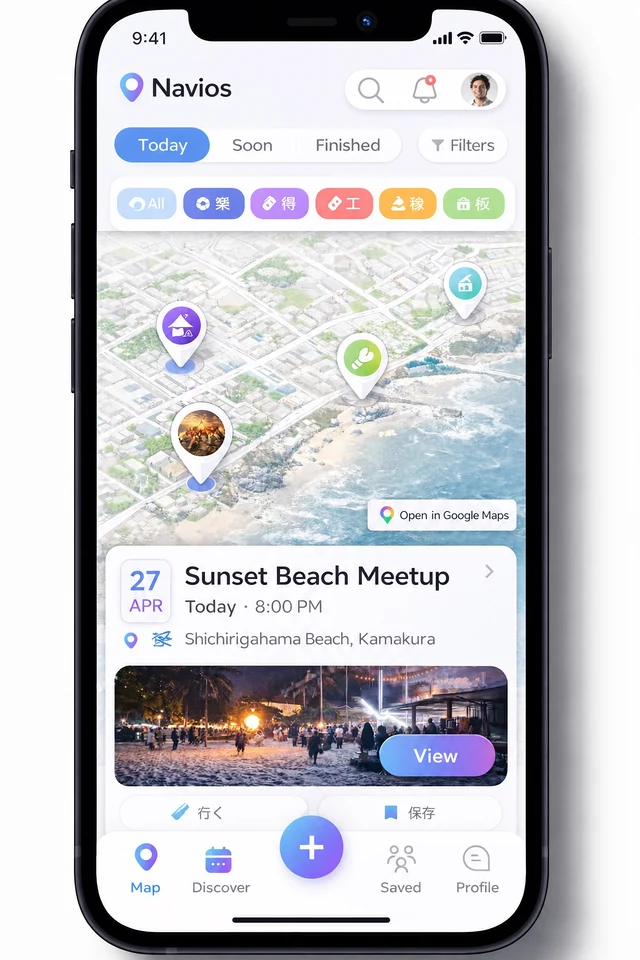
Update interface copy, labels and pricing inside an existing screenshot without rebuilding the UI.
For best results, select one word or line at a time and compare the result before publishing.
By clicking Generate, you confirm you own or are licensed to edit this image and the edit is not intended to deceive a third party.
We do not process IDs, official seals, bank statements, or tampered receipts. Acceptable Use.
See how one focused text change keeps the surrounding image stable.
BeforeSelected text
AfterUpdate the white marketing headline while preserving the App Store listing, map preview and phone mockup.
BeforeSelected text
AfterChange one card title while retaining the iOS font, map, imagery, controls and surrounding labels.
BeforeSelected text
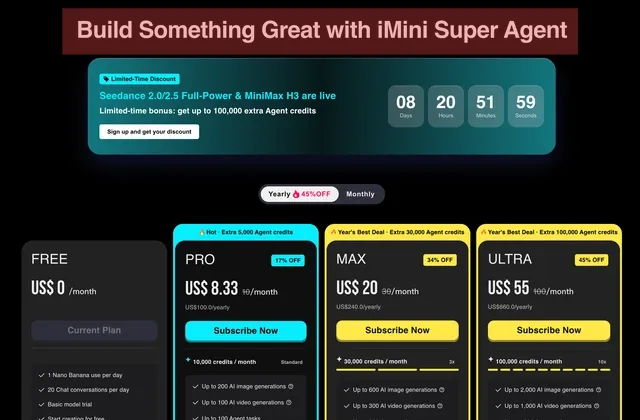
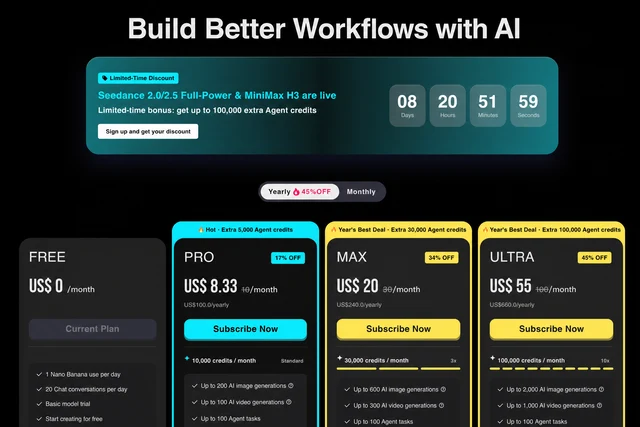
AfterReplace one long headline while preserving the countdown, pricing cards, offers, buttons and dark layout.
A screenshot is a flattened image, so its original text layers no longer exist. Traditional editing means recreating the background, type and alignment by hand.
EditTextInImage analyzes the screenshot and redraws the replacement in the same interface context.
Preserve icons, spacing, colors and device chrome as closely as possible.
Patch product screenshots after copy or naming changes.
Reuse approved screenshots across languages.
Yes. iOS, Android, web and desktop application screenshots are supported.
The edit targets the text region and preserves surrounding interface elements.
The editor analyzes the visible typography, color, texture, lighting and perspective, then renders the replacement in context. Always compare the result before publishing.
Upload PNG, JPEG or WebP files up to 10 MB.
Yes. Sign in with Google to receive enough starter credits for your first edit.
Yes, provided you own the source image or have permission to edit and use it.
Upload an image and use your starter credits for the first edit.