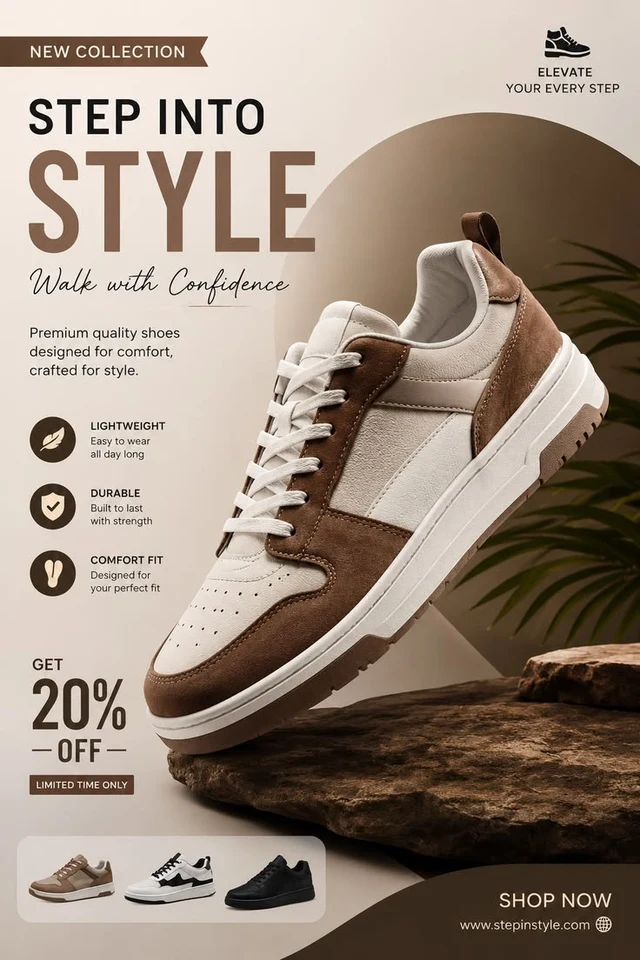
 Before
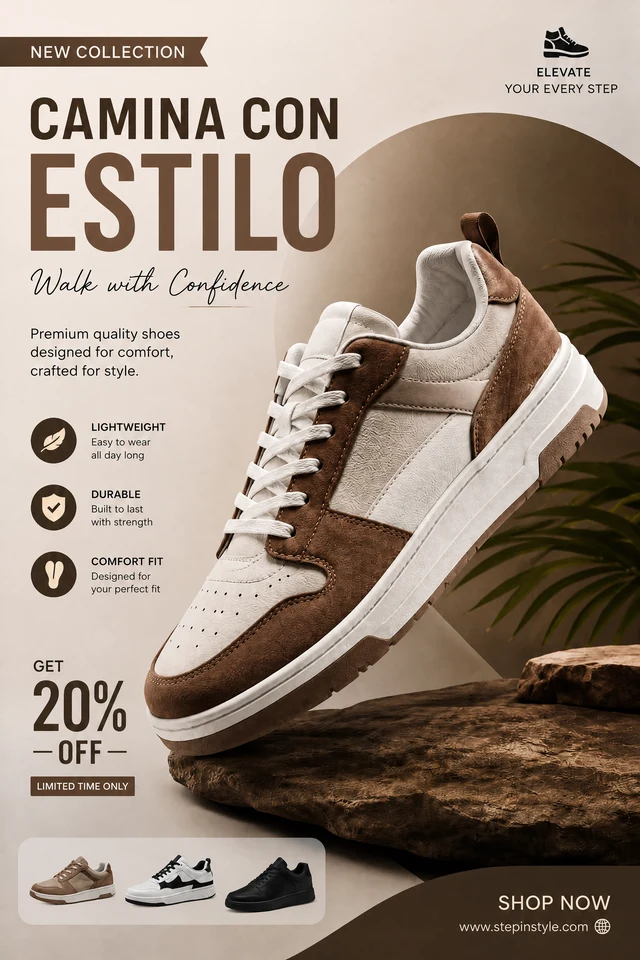 After
AfterLocalize a shoe campaign headline without moving the product
Translate one display title while preserving product photography, offer treatment and the live URL.
STEP INTO STYLECAMINA CON ESTILO
Translate the visible text across any image, then refine an exact region when the wording needs control.
For best results, select one word or line at a time and compare the result before publishing.
By clicking Generate, you confirm you own or are licensed to edit this image and the edit is not intended to deceive a third party.
We do not process IDs, official seals, bank statements, or tampered receipts. Acceptable Use.
Start with a full-image translation preview, then use selected-text translation for production corrections.
BeforeAfterTranslate one display title while preserving product photography, offer treatment and the live URL.
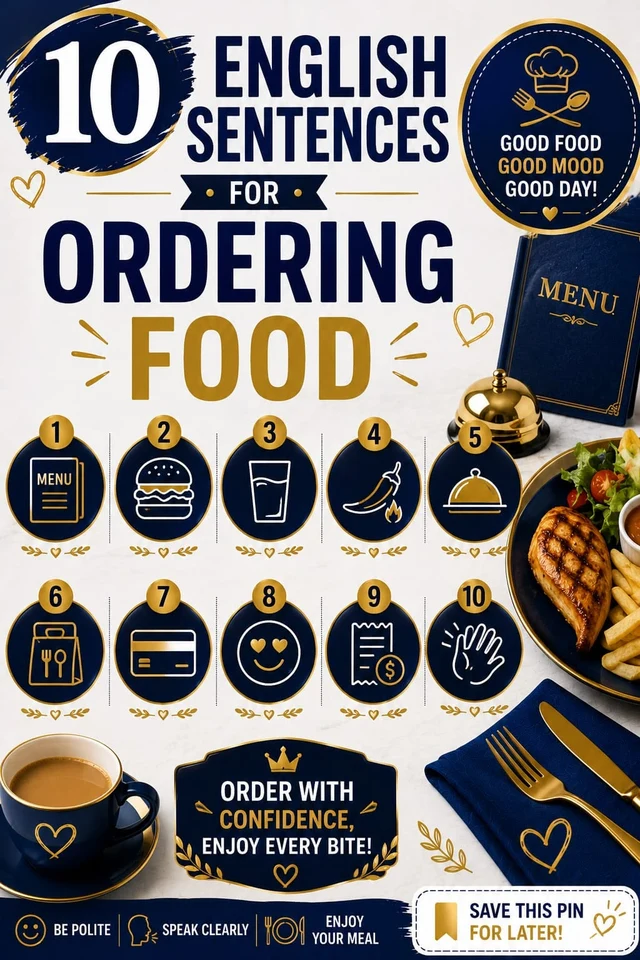 Before
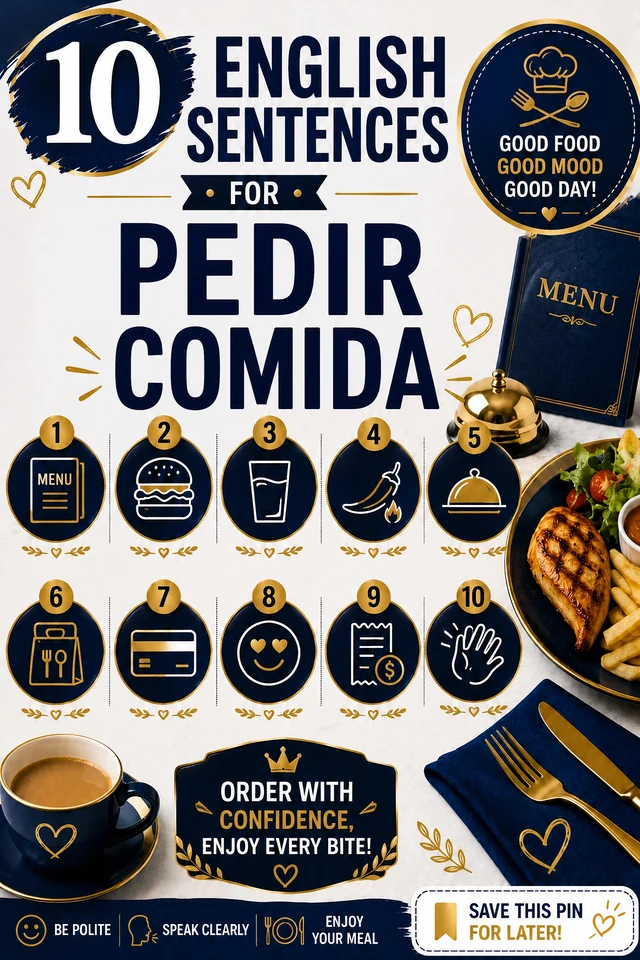 After
AfterChange the central title without disturbing icons, numbered steps, pricing or supporting copy.
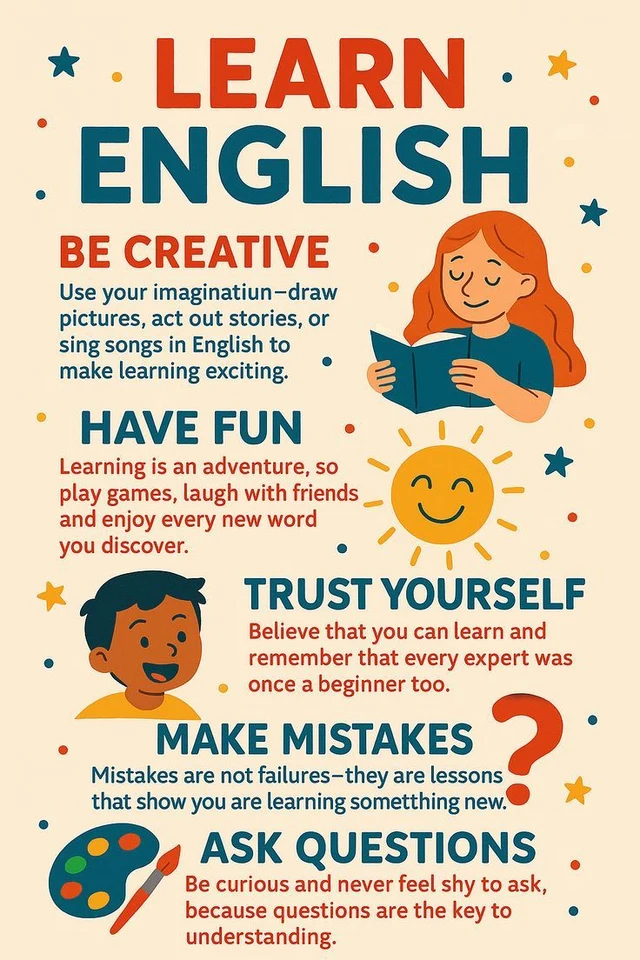 Before
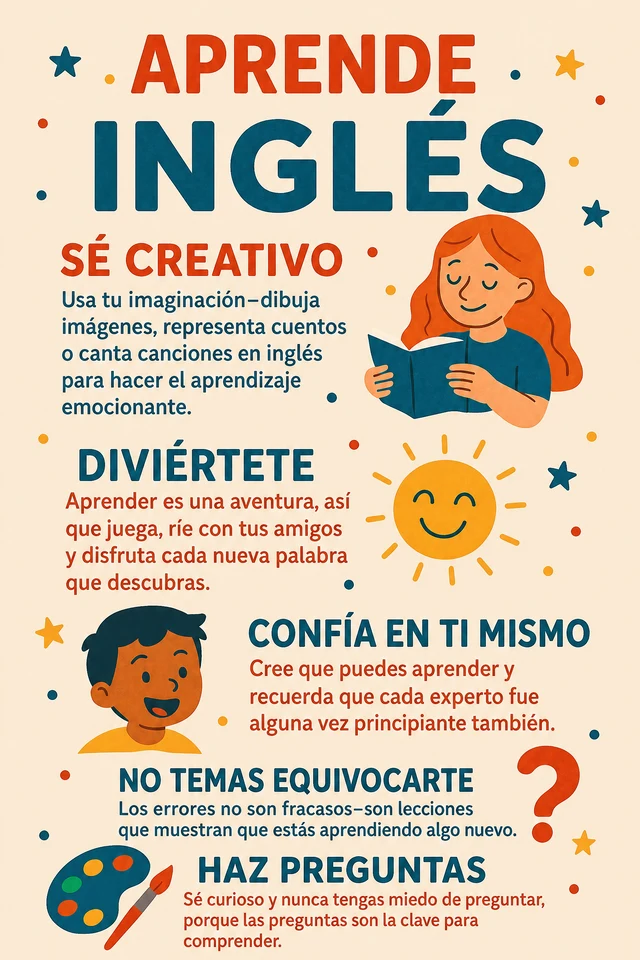 After
AfterA complete poster localization can preserve hierarchy and illustration, but copy, brand text and URLs need a final review.
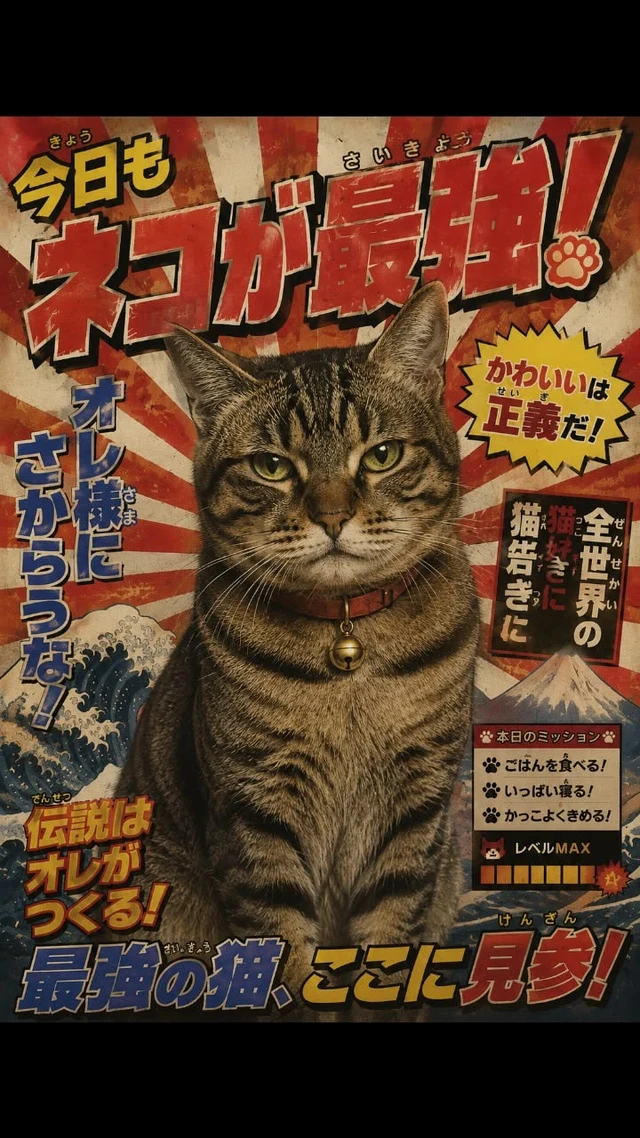 Before
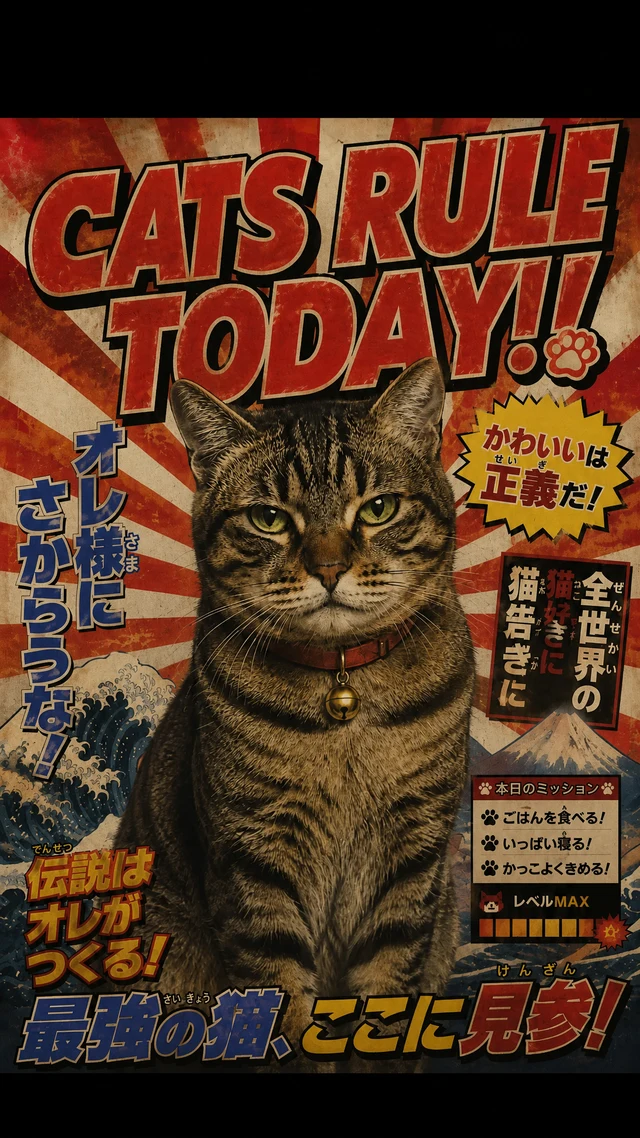 After
AfterSelect the headline only to keep the cat, retro lettering treatment and surrounding Japanese copy untouched.
Image translation is different from extracting text with OCR. Start by choosing a target language to create a full-image localization preview.
Review that preview before publishing. When a name, price, URL or sentence needs control, select its region and enter the exact original and translated text.
Keep the original UI, packaging or campaign composition.
Enter approved From and To text without changing unrelated copy, URLs or product details.
Use full-image results as a fast starting point, then verify copy, numbers, brand names and links.
Yes. Start with a full-image translation preview, then review copy, URLs, brand names and numbers before publishing. Use selected-text translation to refine any individual region.
Yes. Screenshots, menus, banners, labels and product images are common use cases.
The editor analyzes the visible typography, color, texture, lighting and perspective, then renders the replacement in context. Always compare the result before publishing.
Upload PNG, JPEG or WebP files up to 10 MB.
Yes. Sign in with Google to receive enough starter credits for your first edit.
Yes, provided you own the source image or have permission to edit and use it.
Upload an image and use your starter credits for the first edit.